For security reasons, it is a good idea to access public internet service only after installing a VPN app on your Android device. First, let’s define VPN and its purpose before we discuss how to install and activate a VPN connection on your device.
What is VPN?
A Virtual Private Network (VPN) simply allows you to secure your connection on a private or purely public network as it travels over the public internet. More technically, upon connecting to a VPN, you’re being routed through servers across the world, masking your IP address to keep it away from prying eyes.
Why should you use VPN?
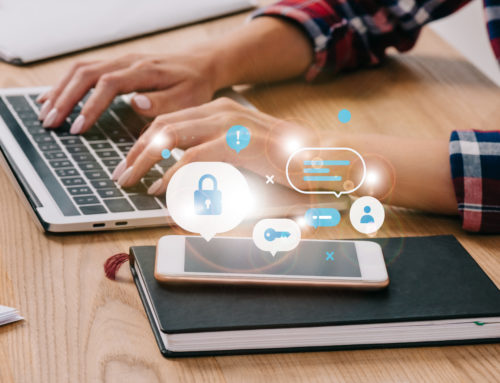
Now more than ever, hooking up to public networks at the airport or at your local coffee shop can be a security risk. Using your banking information on a public network is like standing in the middle of a crowd and announcing your username, log in and Social Security number to everyone. Alternatively, setting up your VPN connection immediately after you hit a public network will keep your personal information secure.
Setting up VPN on Android
Many smartphones have their own integrated VPN option that can be utilized if you or your employer has a network where VPN tunnel settings are available. Contact your IT department to set this up. Otherwise, there are Android apps that provide VPN service for a monthly or annual subscription fee … or even for free up to a certain amount of data used. They are dead simple to use. Just set up your username and password along with your form of payment and run the app. Here are three good ones for consideration:
- Tunnelbear — $4.99/month or $49.99/annually, with up to 500MB per month free
- Hideman VPN — A bit more complicated to use due to additional menus and options, but still a great less expensive option at $25/annually
- Hola VPN — A free option, but “you get what you pay for” as it runs extremely slowly no matter what connection you are on
Finally …
A caveat to any VPN is that it will slow down your connection. You may not notice on a fast Wi-Fi connection, but you most certainly will on a cellular one. Generally, you should avoid free VPN options, as they usually don’t provide as high a level of security. They are fine for browsing on the web, but don’t trust them with bank account information or other personal accounts. And most importantly, be sure to carefully research any VPN app with which you decide to use and connect. If you have any questions or need further help setting up VPN on Android or other devices, contact us at 913.685.1475.